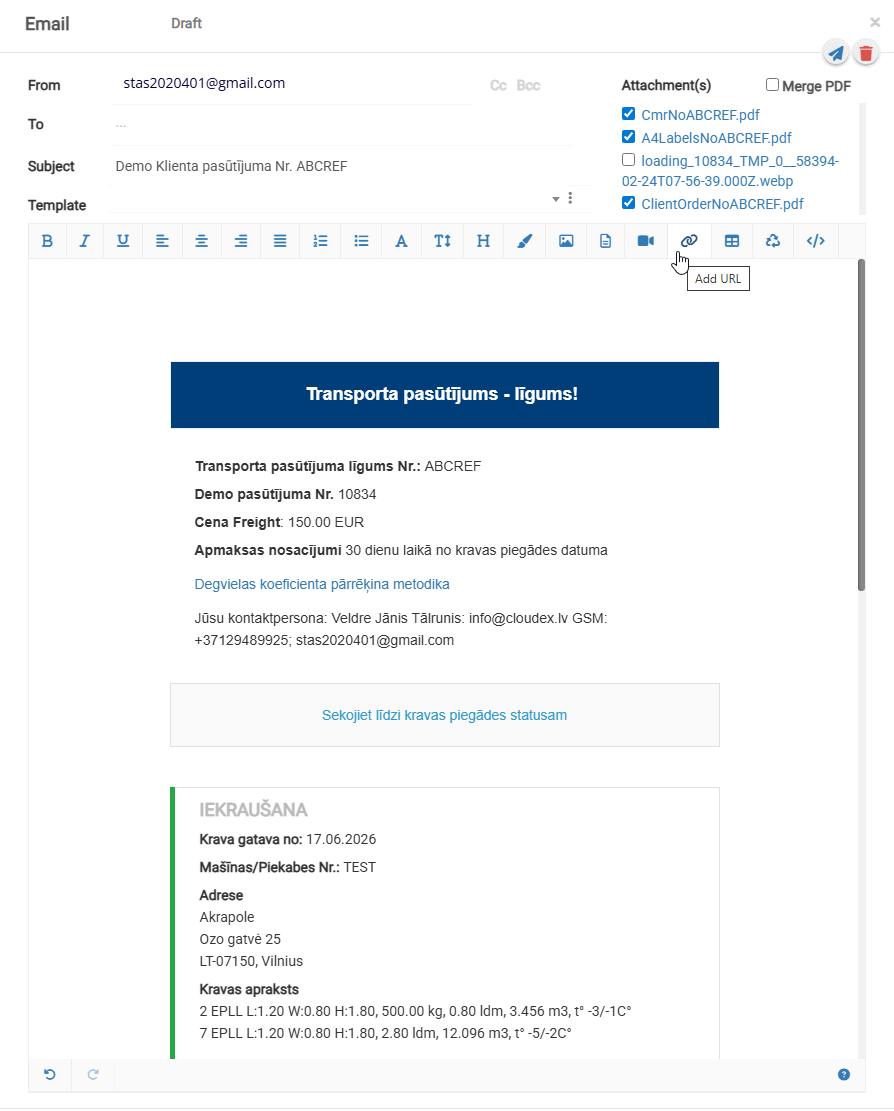
Information for the customer about accepting the order
To send an order acceptance confirmation, open the specific customer order.
1 .In the toolbar, click the button  and select the appropriate option.
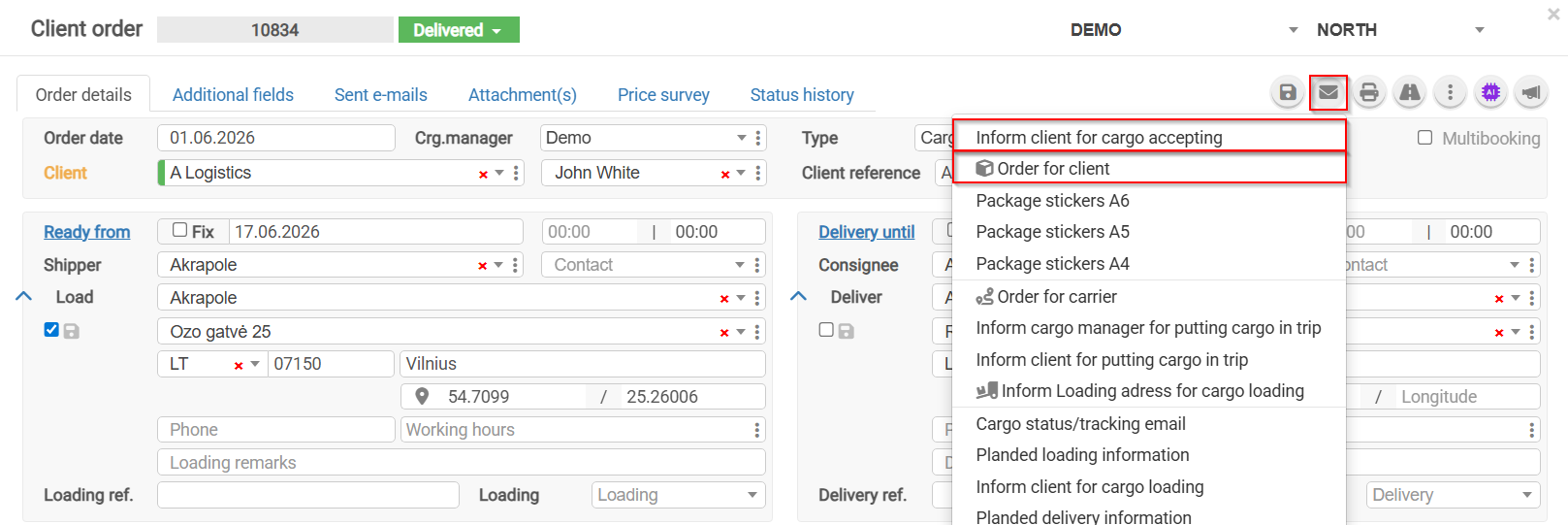
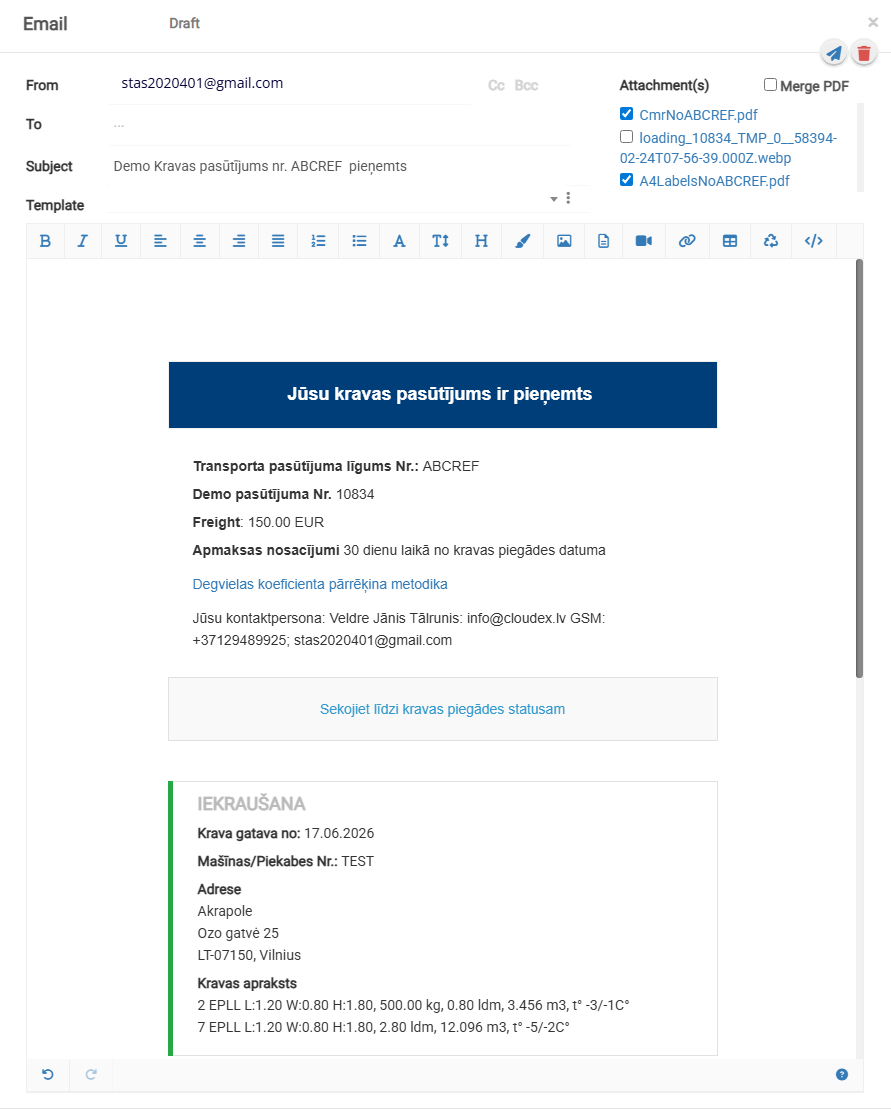
2. By selecting Information to Customer About Order Acceptance, you can send an automatically generated order acceptance confirmation email.
3. By selecting Order to Customer, an email containing the order agreement will be generated automatically.