Order registration
- Registering a new customer order
- New order window
- Adding a new customer
- Filling in a new customer card with VAT number
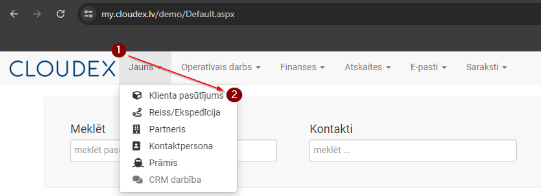
1. Registering a New Customer Order
- Click "New" in the top navigation bar.
- From the additional functions, select "Customer Order".
Required sequence: New → Customer Order. A window will open where you need to enter the order information accordingly.
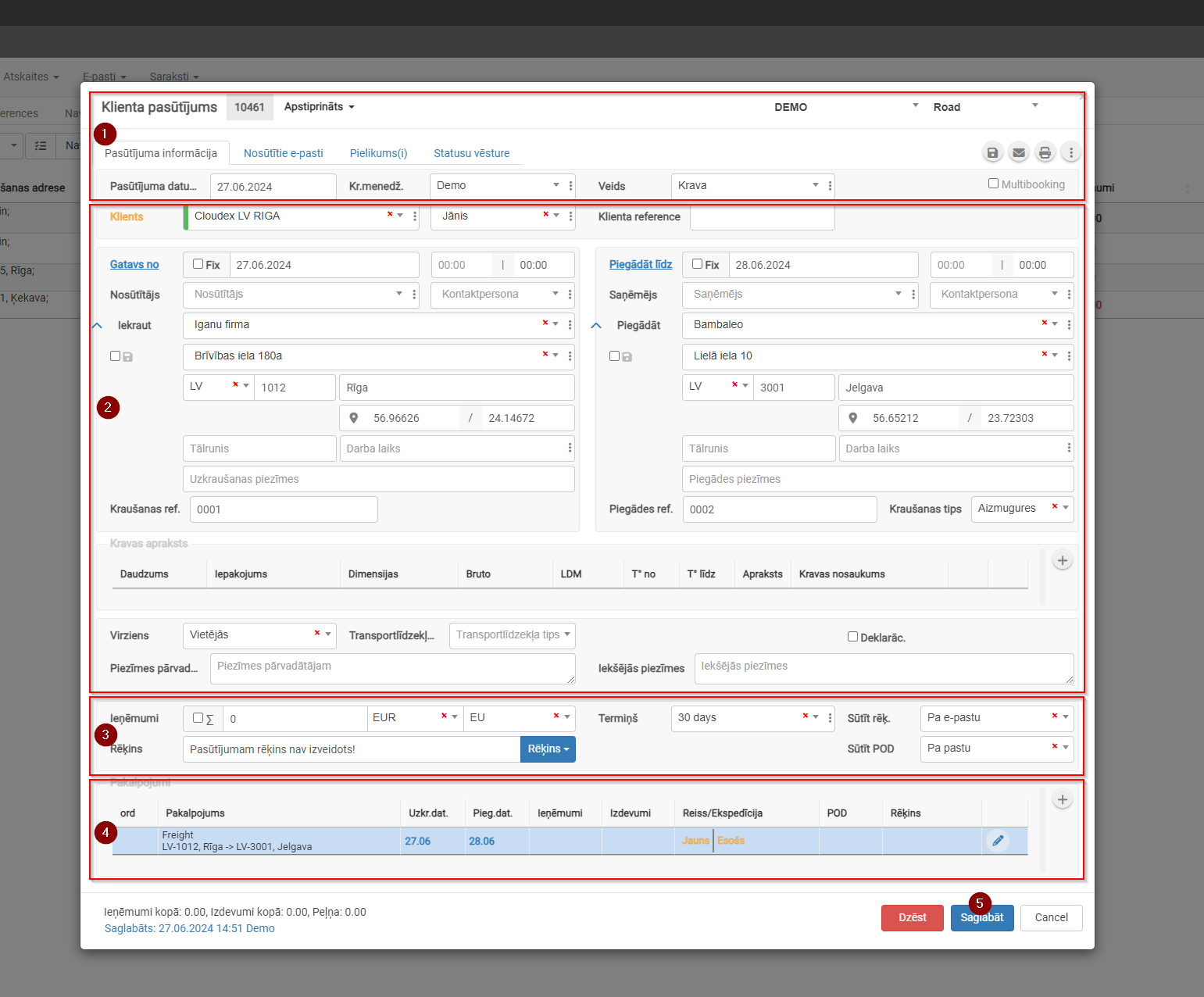
2. New Order Window
- Customer order description
- Customer order basic information
- Revenue section
- Services / Tasks
- Save
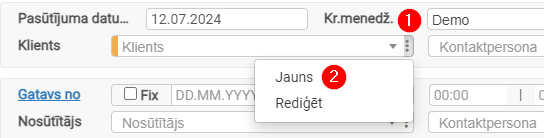
3. Adding a New Customer
- Click the three dots to open additional options.
- Click "New" to open the "New Customer" card.
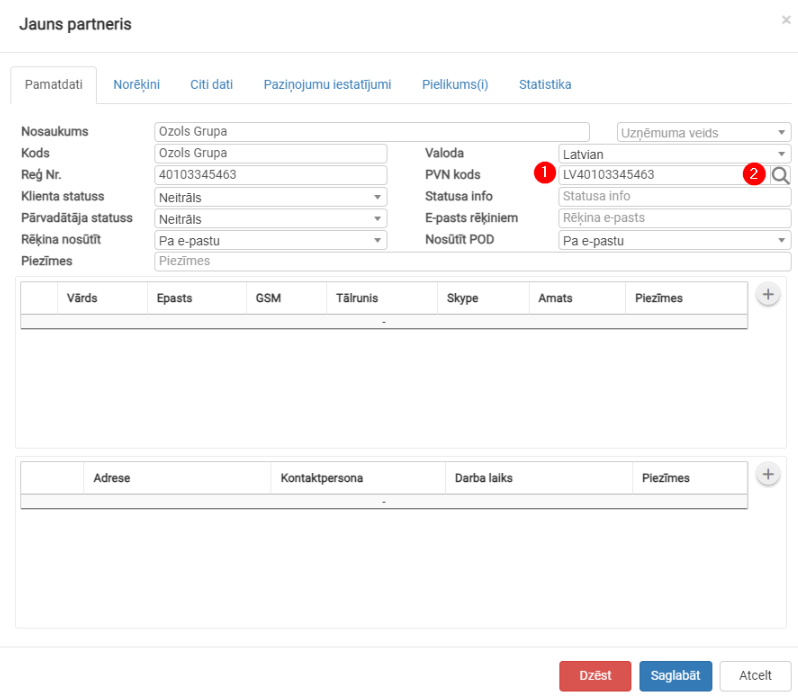
4. Filling in a New Customer Card with VAT Number
- Paste the VAT number.
- Click the button
 to automatically fill in the fields.

Reference link: https://doc.ozols.lv/link/321#bkmrk--3