Search / Filters and Their Use
1) Search
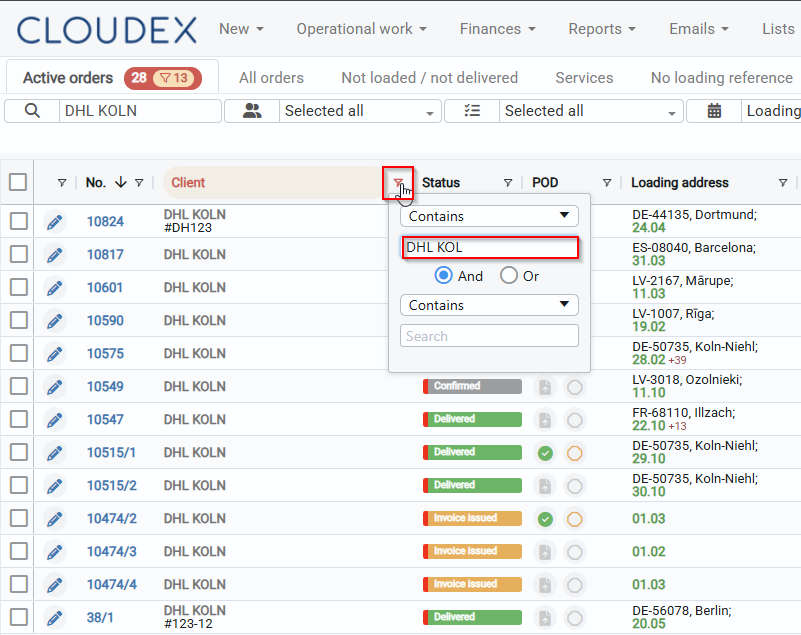
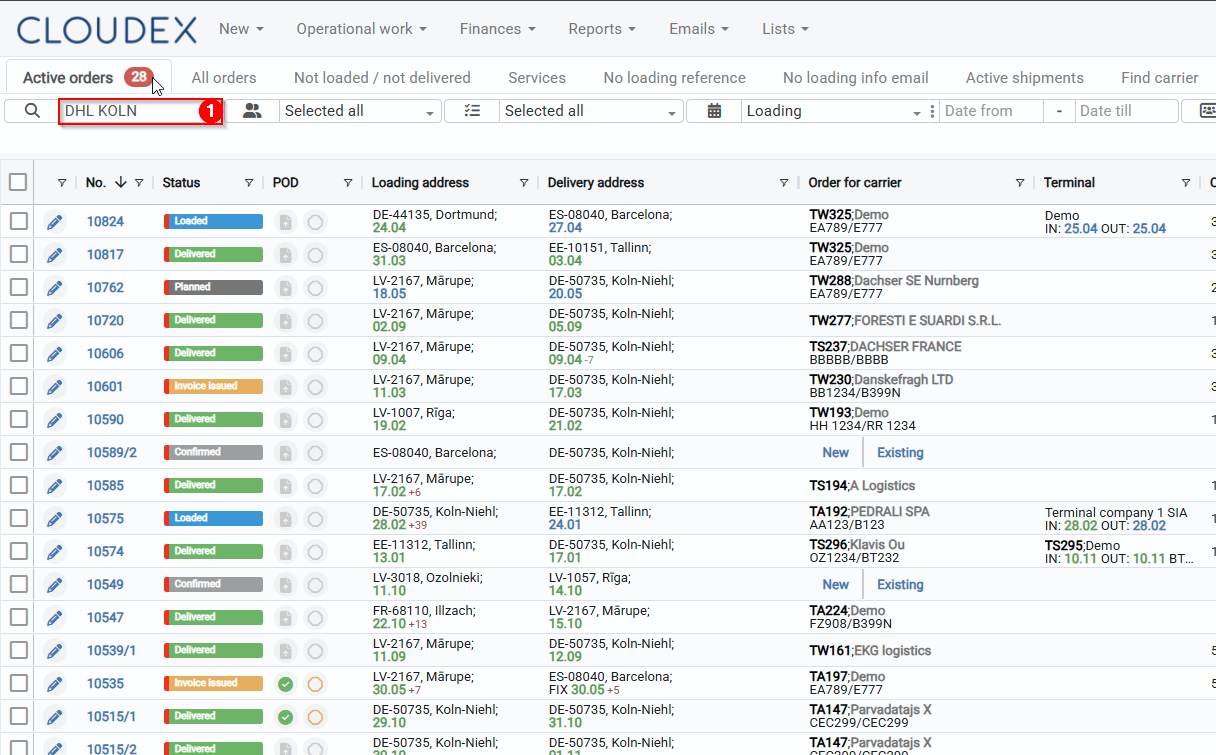
Using the search function, it is possible to find all records involving a specific company. By entering the company name into the search field, the system displays all orders in which this company is listed as the supplier, recipient, or in another role. The number 33 indicates that 33 records have been found.
2) Increasing Visibility
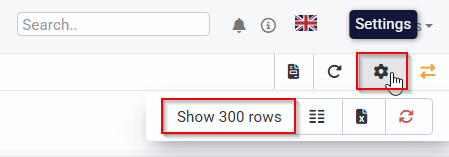
By using the option to select how many rows are displayed per page, the visible amount of data can be increased. For example, if we select 300 rows, a larger volume of data will be visible on the screen at once, making it easier to analyze information without switching between pages.
3) Narrowing the Customer List
To make the results more precise, we use the customer filter and select the exact name we are searching for. This narrows the list down only to records related to the specific customer, excluding all others.